Guide · Schema
Which Schema Type Should Your Business Use?
The right schema.org type for every kind of local business: plumbers, HVAC, electricians and roofers, the trades with no type of their own, and places that aren't businesses at all, like churches. What to put inside the type, and the mistakes that make it say the wrong thing.
Updated 11 min read
On this page
In short
- Use the most specific type schema.org has for what you are. A plumber is
Plumber, not plainLocalBusiness.- A church isn't a business in schema.org's eyes.
Churchis a place, underPlaceOfWorship, and that's the correct markup.- Fill the type with the same name, phone, hours and service area your Google profile shows. Markup that disagrees with your page does more harm than no markup.
When someone asks Google or ChatGPT for a plumber in your town, the system answering has to work out which pages belong to plumbers. Your page says so in many ways: the headings, the services you list, the photos. The type in your schema is the one place you say it outright, in a word from a shared list that every major search engine reads.
This guide gives you that word for each kind of local business, a block you can copy, where to set it on your site, and the mistakes that make markup say the wrong thing.
Why the type matters
Schema.org is a shared vocabulary for describing things on web pages. Its founding companies were Google, Microsoft, Yahoo and Yandex, and its type list is what their crawlers read when a page declares what it's about. You add it to a page as a short block of JSON-LD code, usually in the page's head.
Google's local business documentation asks one thing about the type: use the most specific LocalBusiness subtype you can. A Plumber tells a machine more than a LocalBusiness, and a LocalBusiness tells it more than nothing.
15 of 37
plumbing, HVAC, roofing and electrical homepages declared their trade's own type. Across all 69 home-service homepages we read, 32 declared no local business type at all.
Most sites skip it, so getting it right is cheap ground to take. Be clear about what it does, though. In our July 2026 read of top-ranking plumbing and HVAC sites across six US markets, some of the sites ranking for the main searches had no structured data at all in the page their server sent. They ranked on age, reviews, their Google profile and other sites linking to them. Schema isn't a ranking trick. It's how you state your facts in words a machine can't misread, so Google and AI assistants describe you correctly when they do find you.
Find your type: home-service trades
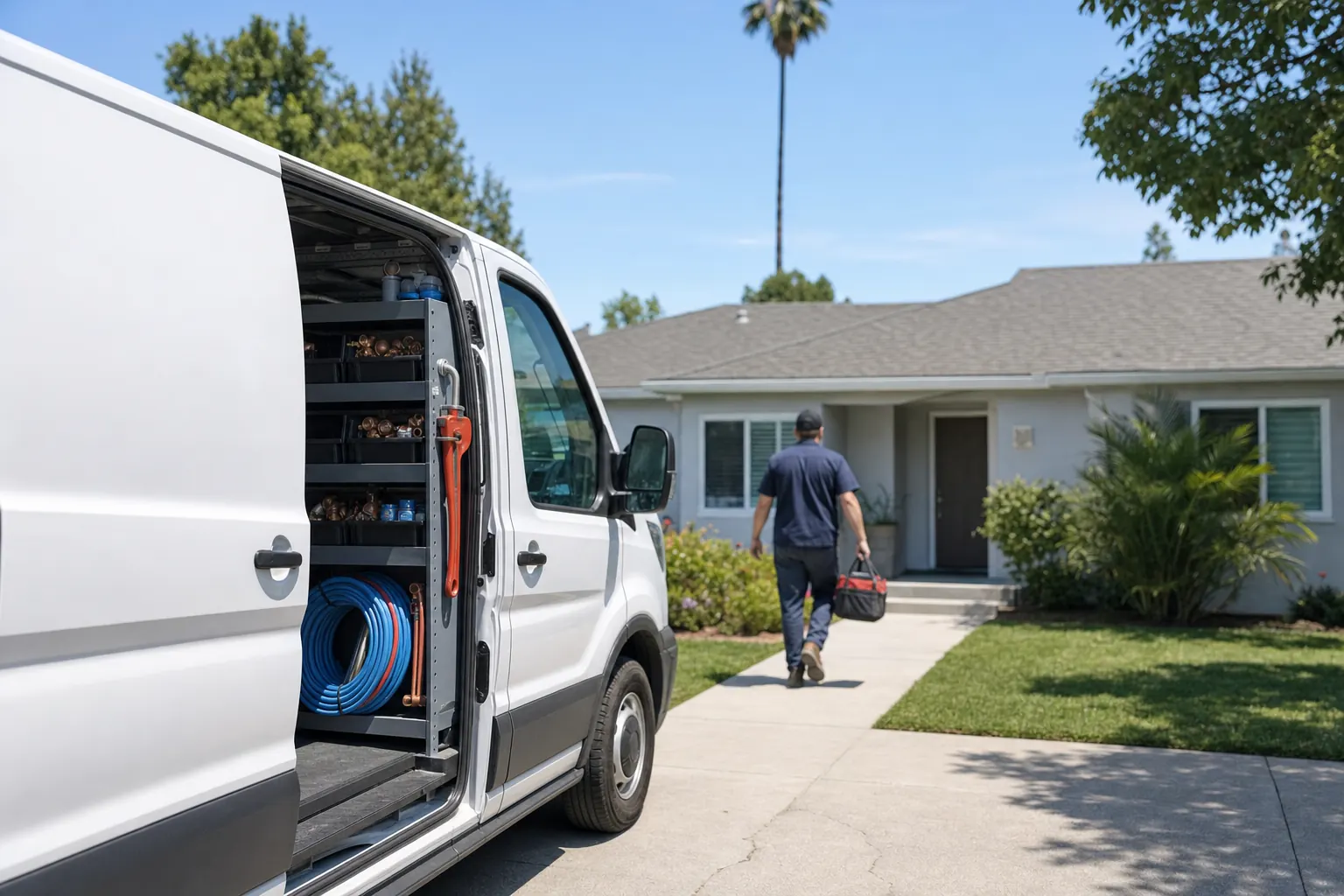
These are the trade types schema.org has. Each sits under HomeAndConstructionBusiness, which sits under LocalBusiness.
| If you are a… | Use this type |
|---|---|
| Plumber, drain or water heater company | Plumber |
| Heating and air conditioning company | HVACBusiness |
| Electrician or electrical contractor | Electrician |
| Roofer | RoofingContractor |
| Locksmith | Locksmith |
| House painter | HousePainter |
| General contractor or remodeler | GeneralContractor |
| Moving company | MovingCompany |
Write the type exactly as it appears here, including the capital letters. HVACBusiness is one word. Locksmith is the type, not LocksmithService, which schema.org doesn't have.

Trades with no type of their own
Schema.org has no type for pest control, garage door companies, landscapers, tree services, house cleaners or pressure washing. For these, use HomeAndConstructionBusiness, the parent of the trade types above. Schema.org describes it as a local business that provides services around homes and buildings, which fits all of them.
Don't make a type up. PestControl or GarageDoorCompany look reasonable, but they aren't in schema.org, so Google and other tools that follow schema.org can't place them. A real parent type is better than an invented child.
You can still say exactly what you do. Put your services in the page text and, if you want them in the markup too, list them as Service items your business provides. The type says what kind of business you are. The services say what you sell.
Places that aren't businesses
Some local places people search for aren't businesses at all, and schema.org gives them their own branch.
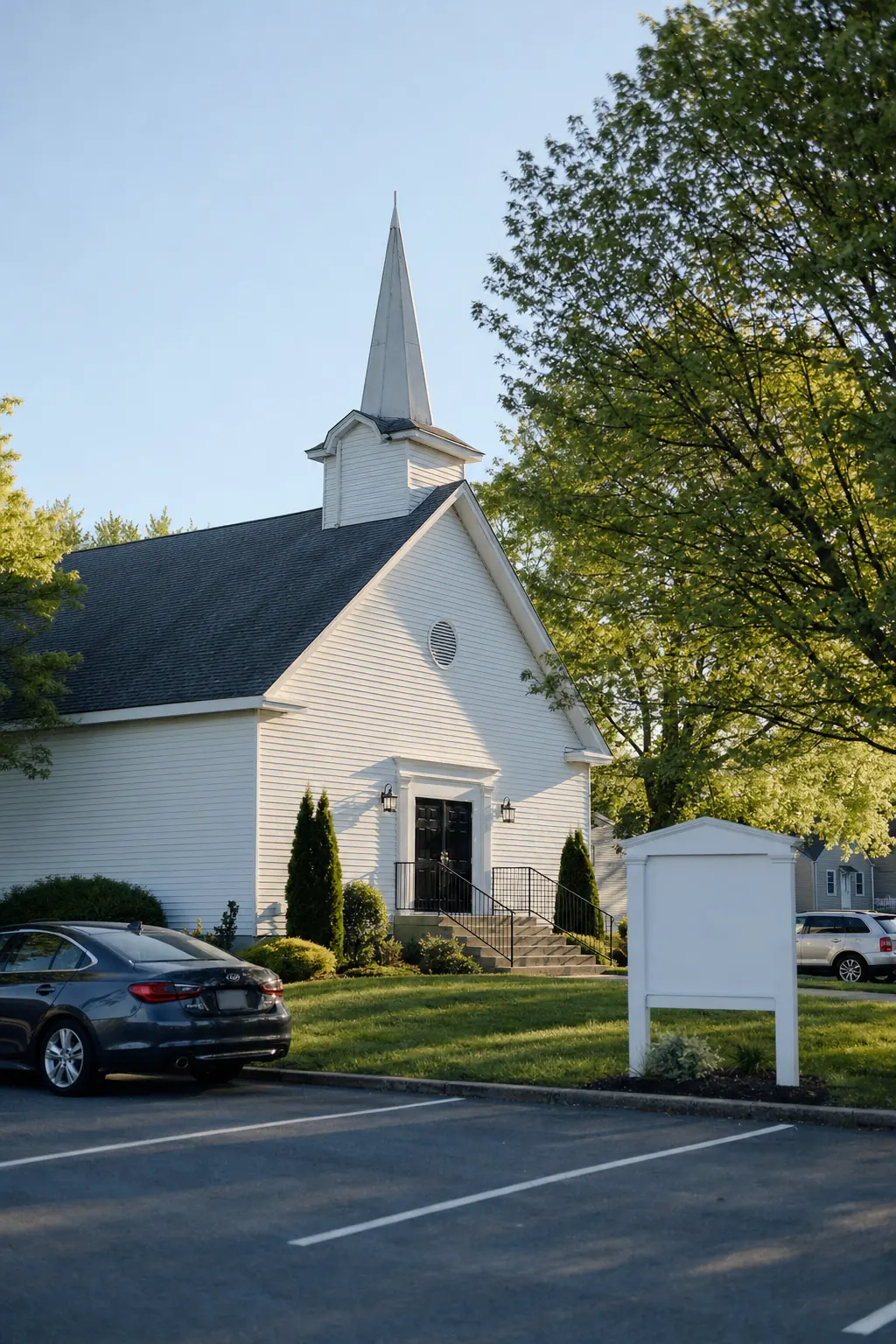
Churches and other places of worship. Church sits under PlaceOfWorship, which sits under CivicStructure, which is a kind of Place. It is not a LocalBusiness, and declaring it as one would be wrong. Mosque, Synagogue, HinduTemple and BuddhistTemple sit beside it under PlaceOfWorship.
A church's markup takes the same core facts as a business's: its name, street address, phone number, website and the links to its other profiles (sameAs). If the building keeps regular open hours, add openingHours.
Nonprofits. Schema.org's type for a nonprofit organization is NGO. If people come to you at an address, such as a food pantry or a thrift store, describe that location too, with the closest local type, like Store for a thrift store.
Spas, salons and med spas. Beauty businesses have their own branch under LocalBusiness, HealthAndBeautyBusiness, with types such as DaySpa, BeautySalon, HairSalon and NailSalon. Schema.org has no MedicalSpa type. If licensed medical providers do most of the work, MedicalClinic may describe a med spa better than DaySpa.
What to put inside the type
The type is the label. What makes it useful is what sits inside, and the rule for all of it is the same: it should say exactly what your page and your Google profile say.
Name. Your business name exactly as it appears on your signage, your license and your Google Business Profile. No city or service tacked on.
Address. Google's documentation lists address and name as the two required properties for its local business features. A storefront gives its full street address.
A service-area business has a decision to make. Google's guidelines for representing your business say a service-area business should hide its address from customers on its Business Profile. Many practitioners keep the markup consistent with that: an address with only the city, state and ZIP code, and the towns you serve listed in areaServed. That's common practice, not a Google rule.
Phone. Google describes telephone as the business phone number meant to be the main way customers contact you, with the country code and area code. Use the same number your Google profile shows. If you use call-tracking numbers, keep your main location number here.
Hours. Use openingHoursSpecification with the same hours as your Google profile. If you advertise 24/7 emergency service, make the markup, the page and the profile all say so, or none of them.
Website and profiles. Add url for the page about this location and sameAs links to your Google profile, Yelp page and social profiles. Those links tie your site to the listings that describe the same business.
One block per location. Google asks you to define each location as its own LocalBusiness. A company with two offices has two blocks, each on its own location page, each with its own address and phone.
Copy this: two examples
A plumber with a storefront. Replace every value with your own, exactly as your Google profile shows it:
An HVAC company that works at customers' homes and keeps its street address private. The address stops at the city, state and ZIP, and the towns it serves are listed:
Where to set it
WordPress with Rank Math. Turn on the Local SEO module, then pick your type under Titles & Meta, Local SEO, Business Type. Rank Math's Local SEO guide walks through the rest of the fields.
WordPress with Yoast. Yoast's free plugin describes your site as an Organization, which isn't a local type. Its Local SEO add-on adds a Business type field under Business info.
Any other site. Paste the block into the page's head: a site builder's custom code setting, your theme's header, or a code snippet plugin. If someone else runs your site, send them this page and your Google profile link. It's a ten-minute job.
Then run the checks below, because a block added by hand can sit beside one a plugin already writes.
Reviews: write them as text, not markup
Google recommends aggregateRating in local business markup only for sites that collect reviews about other local businesses. Its rule on self-serving reviews is plain: when a business controls the reviews about itself, its pages that use LocalBusiness or any other Organization markup can't get review stars. That covers reviews written into your markup and reviews shown through an embedded Google or Facebook widget. Even so, 17 of the 69 homepages in our November sample put their own rating in their markup.
So don't mark up your own rating. Write it on the page as plain text, near your phone number, with the numbers your Google profile shows: "4.9 stars from 183 Google reviews". That's readable to every visitor and every AI assistant, and it can't contradict a widget.
Three mistakes we see most

1. Only the generic LocalBusiness, or no local type at all. Generic is valid, but it says less than you can. A plumber declaring LocalBusiness leaves a machine to guess the trade from the page text. Switch to Plumber.
2. A type that doesn't exist. PestControl, LocksmithService and HVACContractor aren't schema.org types. Tools that follow schema.org skip what they can't place, so the markup says nothing. Use the closest real type, or its parent.
3. Markup that disagrees with the page. This is the most common, and the worst, because a machine reading your site now sees two answers and can't tell which is true. In our July 2026 read, we found it on top-ranking pages in every market we checked:
Markup usually comes from more than one place: a theme, an SEO plugin, a site builder, a snippet someone pasted years ago. Each can write its own block. When facts change, one gets updated and the others don't.
How to check your site
- See what your page declares. Paste your homepage address into Google's Rich Results Test or the Schema Markup Validator. Both list every block the page carries and the type of each.
- Check the type. Is there a specific type from the lists above, or only
Organization,WebSiteor plainLocalBusiness? - Check the facts inside. Compare the name, phone, hours and address with your Google Business Profile, line by line.
- Check for duplicates. If two blocks describe your business, make sure they agree, or remove one.
Or let us do it. The free audit reads the structured data on your homepage, checks that it declares a local type with your name, address and phone, and warns when the type is only the generic LocalBusiness. It reads every type in schema.org's local business and civic structure branches, so a church's Church markup counts. It also flags when your page contradicts itself, and when your site's name, phone or hours don't match your Google profile. On the Pro plan, we apply the fix for you once you approve it.
For how Google decides who shows up in the map pack, see How Google ranks the local pack. If your website doesn't show up on Google at all, start with Why isn't my website showing up on Google?
FAQ
Plumber. On schema.org it sits under HomeAndConstructionBusiness, which sits under LocalBusiness. Google's own guidance is to use the most specific LocalBusiness subtype that fits, so a plumber should declare Plumber rather than the generic LocalBusiness. HVAC companies use HVACBusiness, electricians Electrician, roofers RoofingContractor.
No. Schema.org has no type for pest control, garage door companies, landscapers or house cleaners. The closest fit is HomeAndConstructionBusiness, the parent of the trade types, which schema.org describes as a local business that provides services around homes and buildings. Don't invent a type such as PestControl: it isn't in schema.org, so tools that follow schema.org won't recognize it.
Church. It sits under PlaceOfWorship, which sits under CivicStructure, which is a kind of Place. It is not a LocalBusiness, and that's correct. Mosques, synagogues, Hindu temples and Buddhist temples have their own types under PlaceOfWorship too. Fill it with the church's name, address, phone and website.
Google asks service-area businesses to hide their street address on their Business Profile. Many practitioners keep the markup consistent with that: an address with only the city, state and ZIP code, plus the towns served in areaServed. Google's local business documentation still lists address as required for its local business features, so leave the property in, just without a street you don't want shown.
No. Google recommends aggregateRating for local businesses only on sites that collect reviews about other businesses. When a business controls the reviews about itself, Google says its pages can't get review stars, whether the reviews sit in the markup or in an embedded widget. Write your Google rating and review count on the page as plain text instead, with the same numbers your Google profile shows.
Not on its own. In our July 2026 read of top-ranking plumbing and HVAC sites in six US markets, some sites ranked across the main searches with no structured data in the page their server sent. Schema is a way to state your facts in words machines can't misread. That helps Google and AI assistants describe you correctly. It doesn't replace reviews, a strong Google profile, or a site people link to.
In Rank Math, turn on the Local SEO module, then pick the type under Titles & Meta, Local SEO, Business Type. Yoast's free plugin describes your site as an Organization; its Local SEO add-on adds a Business type field under Business info. Without either, paste a JSON-LD block with your type into your theme's header or a code snippet plugin.
Terms used in this article
See how your business shows up
The free audit checks your website, your Google profile and what AI assistants say about you. How the Google check works